
Fixing GNOME Boxes 'Permission Denied' When Opening ISOs From Downloads on Fedora 44
I’ve been seriously looking into Fedora Silverblue lately, and contemplating making it our go-to workstation OS. The immutable design, cleaner updates, and better security posture make it a compelling option for workstation deployments — especially now that Nix can fill the gaps where Flatpak falls short. So, I needed to spin up a quick VM to test a configuration, and GNOME Boxes is usually my obvious choice: lightweight, integrates cleanly with QEMU/libvirt, and usually just works.
This time, though, it didn’t.
The VM’s virtio disk created fine, but the moment I tried to boot from the Silverblue ISO in ~/Downloads/, the domain crashed — four times in a row. The log was unambiguous:
2026-07-24T05:30:54.034662Z qemu-system-x86_64: -blockdev {"driver":"file","filename":"~/Downloads/Fedora-Silverblue-ostree-x86_64-44-1.7.iso","node-name":"libvirt-1-storage","read-only":true}: Could not open '~/Downloads/Fedora-Silverblue-ostree-x86_64-44-1.7.iso': Permission denied
The CD-ROM device pointing at the ISO was the only component failing. The virtio disk under ~/.local/share/gnome-boxes/images/ opened without issue. Something was specifically blocking access to that ISO file.
The Setup
Environment:
- Host: Fedora 44, kernel
7.1.4-200.fc44.x86_64 - Stack: GNOME Boxes → libvirt 12.0.0 → QEMU 10.2.2
- Connection:
qemu+unix:///session(session-mode libvirt, running as the logged-in user)
Relevant domain XML fragment:
<disk type="file" device="cdrom">
  <driver name="qemu" type="raw"/>
  <source file="/home/user/Downloads/Fedora-Silverblue-ostree-x86_64-44-1.7.iso" startupPolicy="mandatory"/>
  <target dev="hdc" bus="sata"/>
  <readonly/>
  <address type="drive" controller="0" bus="0" target="0" unit="2"/>
</disk>
The Investigation
First Thoughts: Filesystem Permissions
My initial assumption was a classic Unix permissions issue. The file was readable by my user:
$ ls -la ~/Downloads/Fedora-Silverblue-ostree-x86_64-44-1.7.iso
-rw-r--r--. 1 user user 1.2G Jul 24 05:20 /home/user/Downloads/Fedora-Silverblue-ostree-x86_64-44-1.7.iso
And libvirt’s session mode runs entirely as the logged-in user, not as qemu: or libvirt:. So if it were a traditional permission problem, QEMU should have been able to read the file. But it wasn’t.
The SELinux Angle
Fedora ships with SELinux enforcing by default (a large part of the reason I use Fedora), and session-mode libvirt uses the svirt_t domain for confined VMs. The error Permission denied is a classic symptom of SELinux denying access, even when Unix permissions look correct.
To confirm, I checked the audit logs:
$ sudo ausearch -m avc -ts recent | grep denied
This would typically reveal an AVC (Access Vector Cache) denial, showing the exact scontext (subject, i.e., the process context), tcontext (target, i.e., the file context), tclass (object class, usually file), and permission being denied. In this case, the logs pointed to a mismatch between the SELinux labels on the ISO file and what the svirt_t domain was allowed to access.
Understanding SELinux Labels for Virtualization
On Fedora, SELinux uses specific labels for virtualization:
virt_content_t: Intended for files that should be accessible to VMs (e.g., disk images, ISOs).svirt_home_t: A type specifically meant to letsvirt_tdomains access files under a user’s home directory for libvirt session use.user_home_t/downloads_t: Default labels for files in~/Downloads/and other user directories.
The ISO in ~/Downloads/ was labeled as virt_content_t (likely inherited from a previous mv or cp from a location with that label), but the directory ~/Downloads/ itself was labeled as user_home_t or downloads_t. This combination was the problem: SELinux was denying the svirt_t domain access to a virt_content_t-labeled file inside a directory labeled user_home_t/downloads_t.
The Fix
The simplest workaround was to move the ISO to a directory already labeled for libvirt session use. GNOME Boxes stores its VM images in ~/.local/share/gnome-boxes/images/, which is labeled svirt_home_t. Moving the ISO there resolved the issue:
mv ~/Downloads/Fedora-Silverblue-ostree-x86_64-44-1.7.iso ~/.local/share/gnome-boxes/images/
After the move, ls -laZ confirmed the directory and its contents were labeled svirt_home_t, while the ISO retained its virt_content_t label (extended attributes are preserved across a same-filesystem mv). Both labels are expected to be readable by a confined svirt_t domain, and this combination worked in practice.
Re-pointing GNOME Boxes at the new location allowed the VM to boot from the ISO successfully.
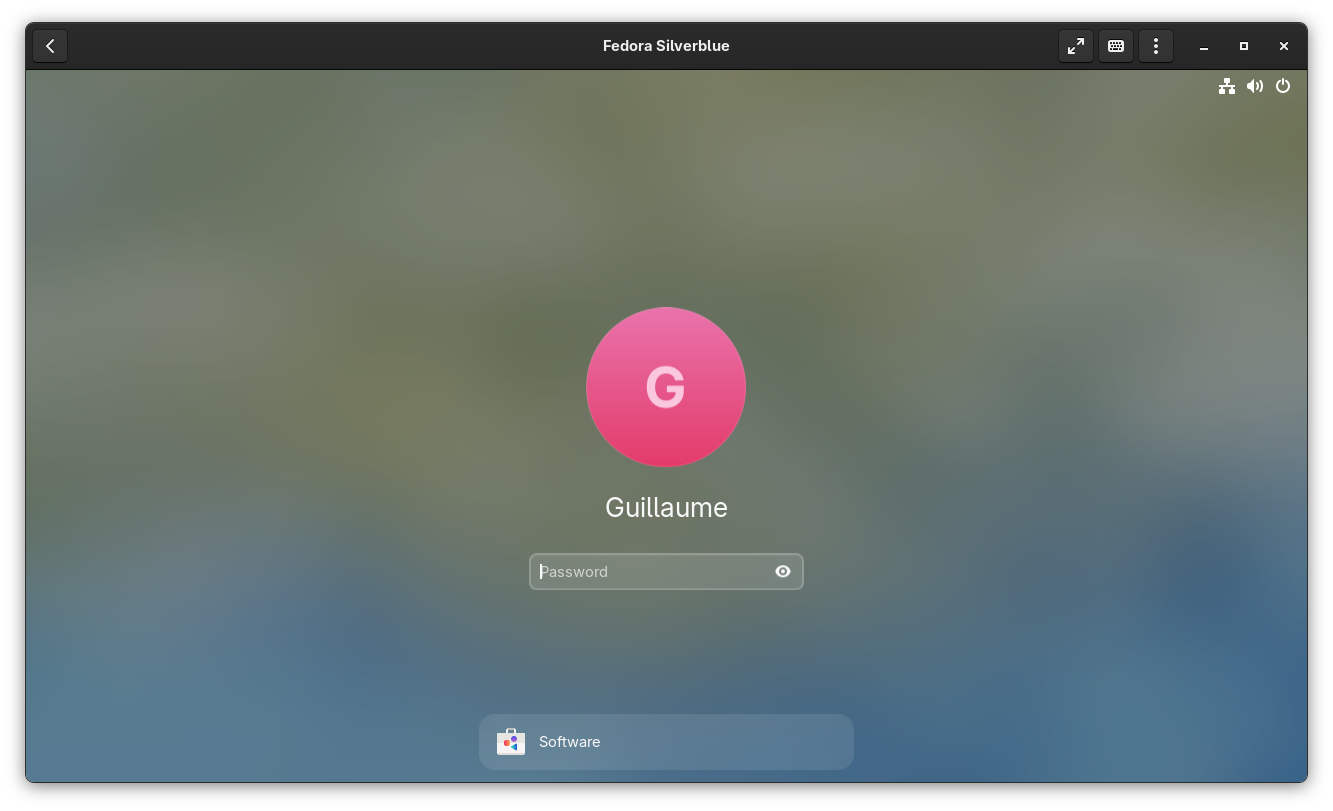
Success!
Why This Worked
The svirt_home_t label on ~/.local/share/gnome-boxes/images/ tells SELinux that files in this directory are intended to be accessed by session-mode VMs. The virt_content_t label on the ISO itself indicates it’s a virtualization resource. Together, these labels satisfy SELinux’s policy for allowing svirt_t (the domain for confined VMs) to read the file.
In contrast, ~/Downloads/ is labeled user_home_t or downloads_t by default, which are not part of the allow rules for svirt_t. Even though the ISO had the correct virt_content_t label, SELinux enforces access based on the entire path, not just the file itself. The directory’s label was the blocking factor.
Key Takeaways
- SELinux is often the culprit when you see
Permission deniederrors on Fedora, even when Unix permissions look correct. - Session-mode libvirt (
qemu+unix:///session) runs as your user but is still confined by SELinux’ssvirt_tdomain. - Directory labels matter — SELinux checks the entire path, not just the file’s label.
Closing Thoughts
This was a classic case of SELinux doing its job a little too well. The fix was simple — move the ISO to a directory with the correct label — but the journey to get there was a good reminder of how SELinux’s path-based access controls work.
Hope this helps!